Migration guide · Enterprise low-code
When a Power Apps migration pays off, and how to run it
By Max Winter-LeinweberUpdated 10 min read
In short
A Power Apps migration pays off when an app's users are customers or partners, or when premium licences for a growing user base cost more than owning the code would. The apps themselves can't leave, because canvas and model-driven apps only run on Power Platform, so each one is rebuilt. Your data in Dataverse, SharePoint or SQL Server comes with you, and staff keep signing in with their Microsoft work accounts.
- Code export
- Source files to read, not an app to run
- Data export
- Dataverse Web API, Fabric or Synapse Link
- Staff sign-in
- Keep Microsoft Entra ID
- Typical timeline
- 4 to 8 weeks per canvas app
Which Power Apps are worth moving?
Move the apps that now serve people Power Apps was never priced for: anyone outside your Microsoft 365 tenant, or hundreds of occasional users. An app used by colleagues, working well, with licences already covered by a wider Microsoft agreement, is usually best left alone.
Customers or partners need access. Canvas apps sign people in through Microsoft Entra ID, so an outsider joins your tenant as a guest and still needs a licence. Power Pages is Microsoft's product for external users, but it runs in the browser only, has its own capacity pricing, and a canvas app embedded in a page still has to be licensed.
The licence bill follows headcount. An app that uses Dataverse or a premium connector, such as SQL Server or a custom API, needs each user on a premium licence or a monthly pay-as-you-go charge for every active user of every app. Twenty staff on that model is easy to justify. Four hundred people who open the app twice a month is harder.
The data has grown past delegation. A canvas app hands filtering and sorting to the data source only when both the function and the source support delegation. Anything else runs on the first 500 rows by default, and never more than 2,000, so screens quietly show partial results as tables grow.
There is a fourth reason that rarely makes it into a business case. Plenty of Power Apps were built by one capable person in operations, with the logic spread across hundreds of control properties, and nobody else will touch them. That is a continuity risk whatever the licence costs.
What can you take out of Power Apps?
Your data comes out ready to import. The apps and flows come out as a detailed description of themselves, which is the specification for the rebuild and nothing more.
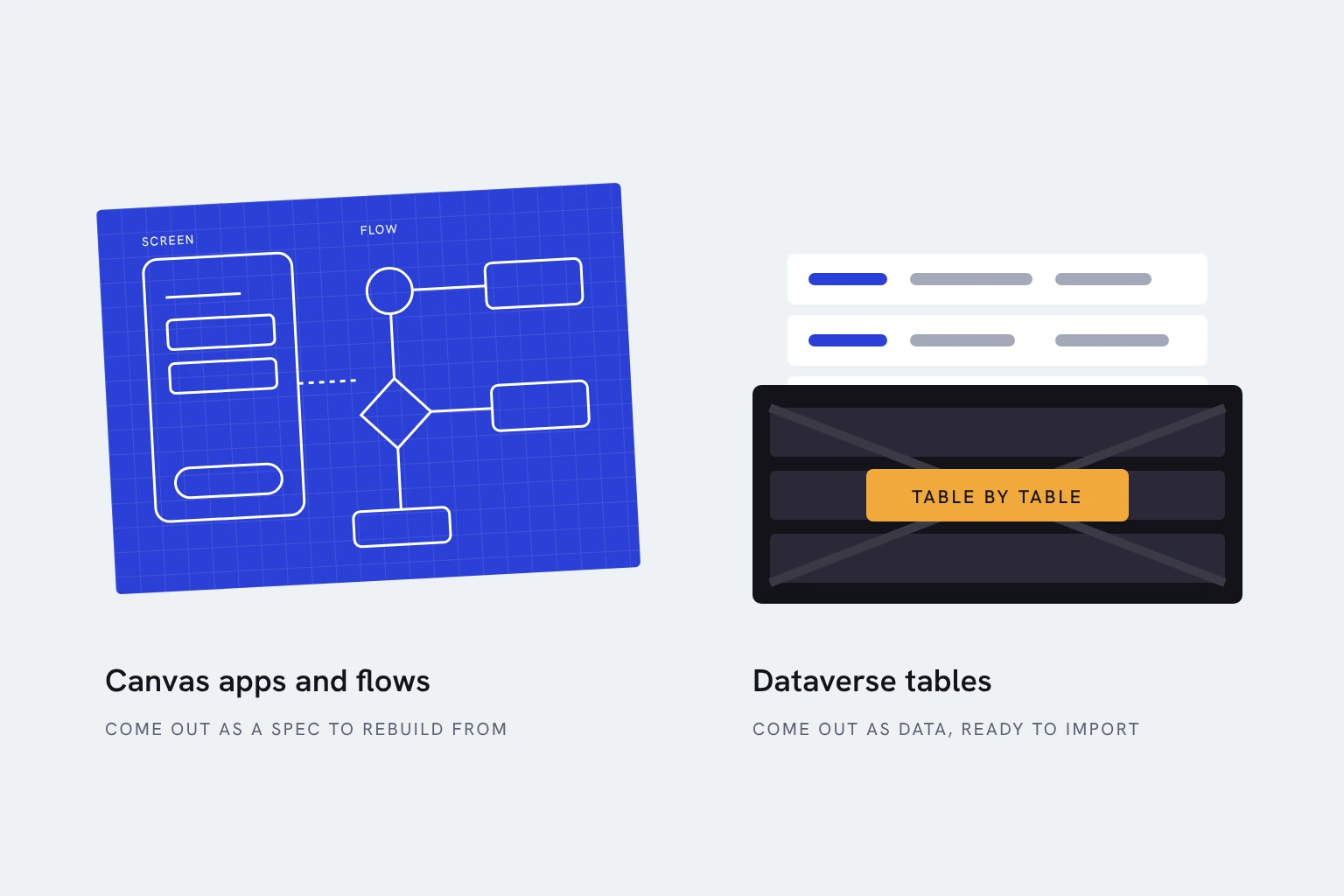
Canvas apps can be saved as .pa.yaml source files through Git integration, now generally available. Every screen, control and Power Fx formula is there in readable text, but Microsoft treats the files as generated output and they only run inside Power Apps.
Model-driven apps export inside a solution, a zip of files describing the tables, forms, views, business rules and security roles. Nothing outside Dataverse can run them, though they list every rule you have to rebuild.
Dataverse data can be read table by table through the Dataverse Web API, which speaks OData. For large volumes, link the environment to Microsoft Fabric or Azure Synapse Link and copy tables in bulk; both need change tracking turned on for each table.
SharePoint lists and SQL Server databases are already yours. The new app can use them directly while you decide where the data should live long term.
Power Automate flows export with a solution as JSON definitions that show every trigger, condition and action the rebuild has to cover.
Microsoft also offers code apps: React and TypeScript apps written in your own repository but hosted on Power Platform, using its connectors and sign-in. They give you the interface code without changing the licensing, since every user still needs a premium licence. If ownership of the code is the only problem, they are an option to price before a full move.
Where each part of a Power App ends up
Every Power Platform building block has an ordinary equivalent in a web stack. Expect the time to go on the parts Microsoft ran for you without anyone noticing, such as security roles, connectors and environments.
| In Power Platform | What it does | In your own stack |
|---|---|---|
| Canvas screens and controls | Pages built by placing controls on a canvas | React components and routes in a framework such as Next.js |
| Power Fx formulas | Logic held in properties such as OnSelect and Items | TypeScript functions, with the rules that matter moved to the server |
| Collections and variables | Data held in the app while it runs | Component state, a data-fetching cache and server queries |
| Model-driven forms and views | Screens generated from Dataverse tables | List and detail pages designed for each task |
| Dataverse tables | A managed database with typed columns and relationships | Postgres tables defined in versioned migrations |
| Choice columns | Option sets stored as numbers with labels | Enums or lookup tables, with numbers mapped to labels on import |
| Business rules and calculated columns | Validation and derived values on a table | Database constraints, generated columns and server checks |
| Plug-ins and custom APIs | C# that runs inside Dataverse when records change | Server functions called from your API or a job queue |
| Security roles, business units and teams | Who can read or change which records | Authorisation checks in the API, backed by Postgres row level security |
| Connectors | Prebuilt links to SharePoint, Outlook, SQL and hundreds of services | API clients for the few services the app really uses |
| Power Automate flows | Automation triggered by events or schedules | Background jobs and webhooks with retries and alerts |
| Environments and solutions | Development, test and production, and moving changes between them | Git branches, a CI pipeline and separate deployments |
Choice columns catch out most first imports. Dataverse stores the number behind each option, so a status column arrives as 100000001 where people expect to read Approved. Pull the option labels from the table metadata and map them before loading a single row.
Moving the data and keeping Microsoft sign-in
Use the Web API for a modest app and a Fabric or Synapse link for a large one, keep the Dataverse row IDs, and let staff carry on signing in with their work accounts.
Export the schema first: tables, columns, relationships and choice labels from the metadata, so the Postgres design is deliberate rather than guessed from a spreadsheet.
Keep each row's Dataverse GUID in a column on the new table. Lookups between tables point at those GUIDs, and you need them to rebuild relationships and to rerun the import safely.
Copy file and image columns, and any SharePoint attachments, into your own object storage, recording which record each file belongs to.
Rehearse the full copy, compare row counts and a few key totals per table, then book the final copy for a quiet window.
Staff should barely notice the sign-in change. Register the new app in Microsoft Entra ID and use it as the identity provider, and people sign in with the same work account under the same multi-factor rules. Customers and partners get a sign-up of their own, with email and password or magic links, kept apart from your tenant. How we build customer-facing web apps
When customers have become the main users of what started as an internal tool, the rebuild also picks up product work such as tenancy and billing. What changes when an internal tool becomes the product
Rebuild one app at a time and keep the rest running
Start with the app that hurts most, usually the one with external users or the steepest licence bill, while the others stay on Power Platform until their turn.
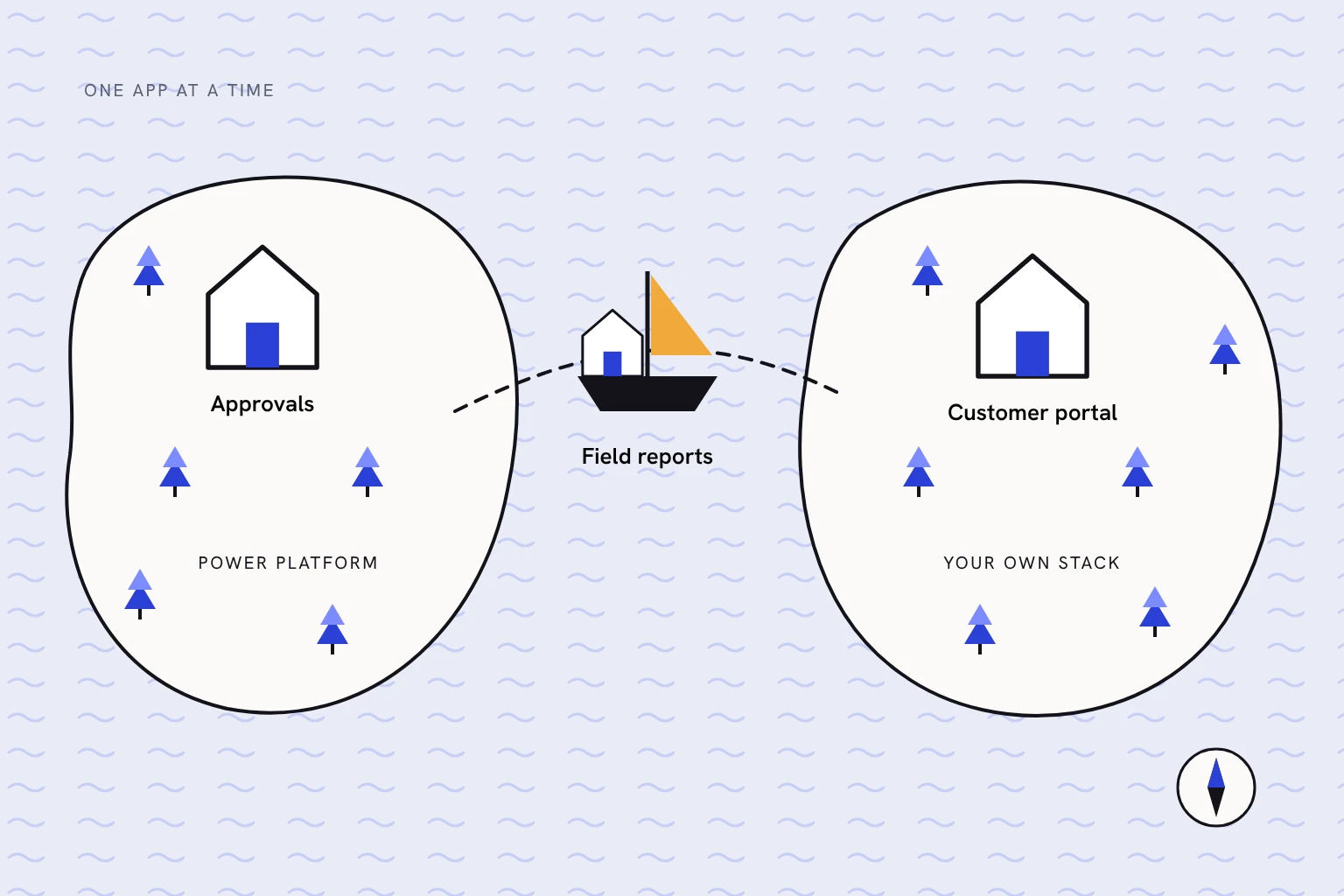
During the overlap, write down which system owns each table. When the new app owns a table, the remaining Power Apps read it through the PostgreSQL connector or a custom connector to your API. When Dataverse still owns it, the new app reads it through the Web API. Both connectors are premium, so budget licences for the overlap, and never let both systems write the same table.
Long-lived apps collect screens nobody opens. Sorting them into rebuild now, later or never is the same job as scoping a first release, and our free MVP Scope Planner lets you list features, size them and see what fits. Sort the screens with the MVP Scope Planner
Before you switch an app off
Each security role has been tested by signing in as a user who holds it
Flows that touched the app's tables have a replacement job, or a reason to retire
Row counts and key totals match after a rehearsal copy
The Power App is made read-only, then unshared once users confirm the new one works
Licences are reduced at the next renewal date rather than assumed to stop at cutover
Moving a whole estate follows the same pattern at a larger scale, with shared modules and renewal dates setting the order. How a phased exit runs across a larger low-code estate
Should you move from Dynamics 365 to Power Apps?
Only if you use little of what Dynamics 365 adds. Dynamics 365 Sales and Customer Service are themselves model-driven apps on Power Apps and Dataverse, so moving is mostly a licensing and scope decision rather than a data migration: if your team works in custom tables and a handful of standard ones, a model-driven app on Power Apps licences can cost less. If you rely on the sales pipeline, case handling, service level agreements or the Dynamics automation built around them, those come with the Dynamics licence and you would be rebuilding them.
The data can stay where it is. Both run on Dataverse, so a new model-driven app can sit in the same environment and use the same tables, forms and views. Custom tables and settings move between environments as solutions, without exporting a row.
Some tables need a Dynamics licence. Microsoft restricts writing to certain tables that ship with Dynamics 365 apps to users with a Dynamics licence, whichever app they open them from. Check Microsoft's list of restricted tables against what your users actually create and edit.
Licensing terms are the deciding detail. Which users a Power Apps licence covers when they work with Dynamics data has been the subject of debate around Microsoft's licensing guide. Get the plan checked against the current guide, or by your licensing partner, before cancelling anything.
There is a third route when the reason for leaving Dynamics is that the business has outgrown or underused a full CRM: a custom app on Postgres for the workflow you actually run, with staff still signing in through Microsoft Entra ID. The steps are the same as for a Power App, starting with the data in Dataverse.
How long does a Power Apps migration take?
A canvas app with up to a dozen screens and one data source typically takes four to eight weeks to rebuild and cut over. Model-driven apps over many Dataverse tables, with layered security roles and plug-ins, take longer, and the count of tables and roles sets the pace far more than the count of screens.
Weigh that against what the app costs to keep each year, in premium licences, external access and hours lost to delegation and connector limits. Then add what you take on: hosting, monitoring and someone to maintain the code. If every user is on staff and the totals come out close, keep the app. A focused first app often fits one of our fixed-price sprints. See what a fixed-price sprint includes
Frequently asked questions
- Can I migrate from Dynamics 365 to Power Apps?
- Yes, and usually without moving data, because Dynamics 365 apps already run on Power Apps and Dataverse. You build a model-driven app in the same environment on the tables your team uses and move users to Power Apps licences. It only saves money if they don't need the Dynamics features or the restricted tables that require a Dynamics licence.
- Do Power BI reports on Dataverse stop working?
- Not if you repoint them. Power BI connects to PostgreSQL, so each report moves to the new database as its tables move. Check any measures that relied on Dataverse system columns such as owner or status reason, because those columns may be named or shaped differently in the new schema.
- Can an AI coding agent turn .pa.yaml files into a React app?
- It can draft one. Agents read Power Fx formulas and control trees well and will scaffold matching screens and functions, which saves a lot of typing. A developer still designs the data model and checks each rule, because Power Fx behaviour, such as how blanks and delegation work, does not translate line for line.
- Will our Microsoft 365 subscription change?
- Usually not. Power Apps premium licences are bought on top of Microsoft 365, so you reduce or drop them at renewal while Outlook, Teams and SharePoint carry on as before.