Migration guide · Enterprise low-code
Mendix migration that starts by reading the model
By Max Winter-Leinweber9 min read
In short
A Mendix migration is a rebuild, because Mendix apps only run on the Mendix runtime and need a Mendix licence in production. It is a better documented rebuild than most: the Mendix Model SDK reads every entity, microflow, page and access rule out of the model as data, and a Mendix Cloud backup is an ordinary PostgreSQL dump. A single app of modest size typically takes one to two months to rebuild in a stack such as TypeScript, Next.js and Postgres.
- Code export
- None, the model needs the Mendix runtime
- Model
- Readable as data with the Mendix Model SDK
- Data export
- PostgreSQL backup from Mendix Cloud
- Typical timeline
- 1 to 2 months per app
When does leaving Mendix pay off?
When an app's user licences, or the specialists it depends on, cost more each year than owning the code would. Mendix licences are priced by user, so the bill follows who uses an app rather than how much work it does.
External users are growing. Mendix sells internal user packs, for one app or many, separately from external user packs, and each app reports which of its users are which through user metering. A customer portal that takes off takes the external pack with it.
Every change waits for one or two people. When the only person who understands the model is a contractor, new features and incident fixes queue behind their diary.
The app has become the product. Customers now pay for it, and major version upgrades, such as Mendix 10 to 11, have to be planned and retested on the platform's timetable rather than yours.
Keep the app if staff are its only users, the licence sits inside a wider agreement and changes ship at a pace the business accepts. Mendix is also adding agents of its own. Maia, its AI assistance, creates and edits domain models, microflows and pages inside Studio Pro, and Studio Pro can work with an agent you bring. That speeds up the team you have, while the runtime and the licences stay with Mendix.
Export the whole model with the Mendix SDK
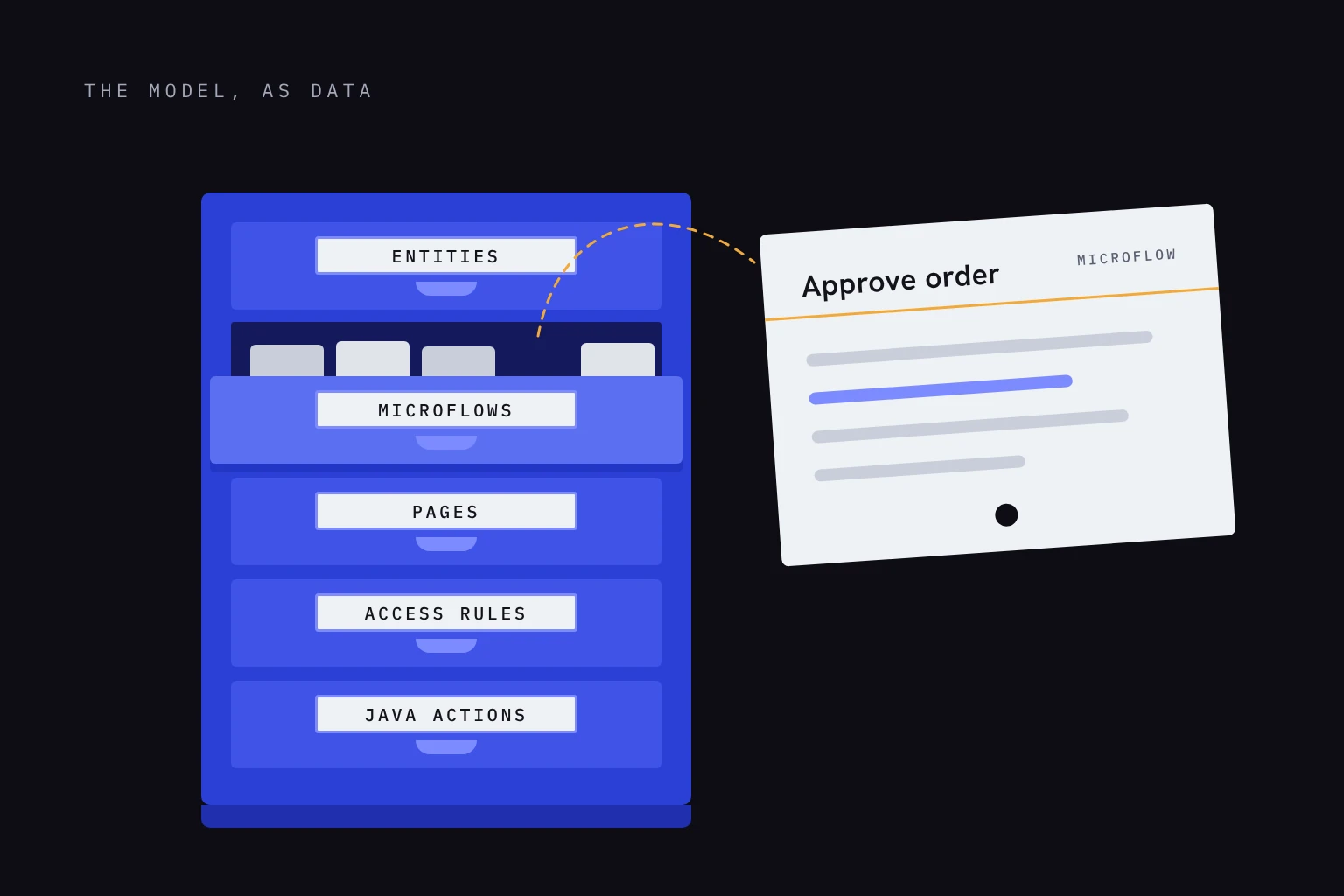
Start by reading the model as data rather than clicking through Studio Pro. The Mendix Model SDK, a TypeScript library, gives scripts access to every entity, attribute, microflow, page, access rule and Java action in an app, and Mendix lists exporting among its intended uses. That export becomes the inventory, the estimate and most of the specification.
Create a personal access token in the Mendix Portal for an account with access to the app, then set up a small Node.js project with the mendixplatformsdk and mendixmodelsdk packages.
Open a temporary working copy of the app's main branch. Scripts read the model from that copy, and nothing reaches the real app unless you commit it.
Walk each module and write out one JSON file per document: the domain model, each microflow and nanoflow, each page, the entity access rules and the scheduled events.
Count what each module holds. Entities, microflows and access rules predict the work far better than the number of pages people see.
Then give a coding agent such as Claude Code one microflow's JSON at a time and ask for a plain English write-up: inputs, decisions, what it changes and what it calls. Someone who knows the app checks each one against Studio Pro, because the meaning often turns on a setting nobody thinks to read, such as whether a Commit activity runs the entity's event handlers.
Which parts of a Mendix app carry over?
Almost nothing runs outside Mendix, but more of a Mendix app is written in ordinary languages than on most low-code platforms. Sort each part into what comes across and what is rebuilt from the write-ups.
Comes across
The data, from a backup in a format Postgres reads directly.
Java actions, which are plain Java source files in the app's javasource folder. Calls to the Mendix Core API need replacing, but parsing, calculations and calls to outside services usually port across, to a Java service or to TypeScript with the original open beside it.
Pluggable widgets, which are React components. Their rendering code is a head start on the matching component in the new front end.
Published REST and OData services, as contracts. Keep their URLs and response shapes and the systems that call them don't have to change.
Rebuilt
Microflows. Server functions behind API routes, wrapped in a transaction wherever the microflow committed several objects together.
Nanoflows. Code in the browser, or on the device in a native app, with any rule that matters checked again on the server.
Pages, snippets and layouts. React components, with Atlas UI replaced by your own component library.
Scheduled events and workflows. Scheduled jobs with retries and alerts, and for workflows a table of explicit states that user tasks and timers move along.
Marketplace modules. One decision each: an npm package, a hosted service or a few lines of your own. Email, Excel import and SAML sign-in are the usual three.
Getting the data out of a Mendix Cloud backup
Download a backup from the Mendix Portal and restore it into Postgres. On Mendix Cloud the database comes as a standard PostgreSQL backup file, so every table arrives complete and the work is reshaping it, not extracting it row by row.
Open the app's Backups page in the Mendix Portal, choose the production environment and create a fresh backup.
Download it as a Full snapshot, which holds the database and the stored files. The download link lasts 24 hours, and backups over 2 TB can't be downloaded at all.
Extract the archive. The database is the .backup file in its db folder: restore it with pg_restore into a staging database that only the migration scripts use.
Write scripts that copy from the staging tables into the new schema, and rerun them until row counts and key totals match.
If you run Mendix on your own servers, skip the download. The database, whether PostgreSQL, SQL Server or Oracle, is already in your infrastructure, with the same table layout.
| In the restored Mendix database | In your new schema |
|---|---|
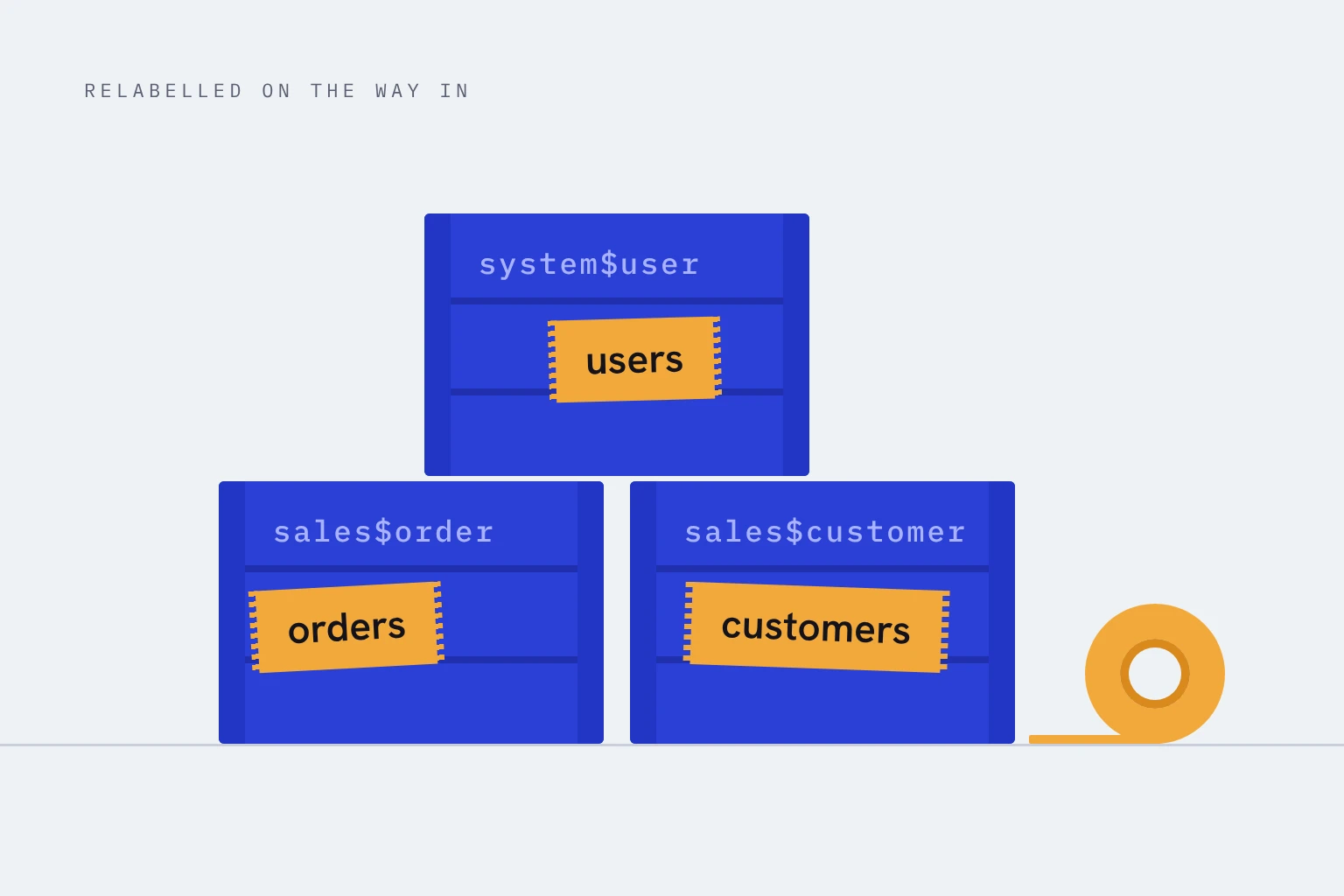
| One table per entity, named module$entity, such as sales$order | Tables named for the business, such as orders |
| id, a number Mendix generates for every object | A new primary key, with the Mendix id kept in a legacy_id column so imports can rerun |
| createddate and changeddate | created_at and updated_at |
| system$owner and system$changedby, ids of System.User rows | created_by and updated_by, as foreign keys to your users table |
| Association tables such as sales$order_customer | A customer_id column on orders, or a join table for many-to-many |
| Direct association columns such as sales$orderline_order | An order_id foreign key |
| Enumeration attributes, stored as each value's name | A Postgres enum or a lookup table |
| Generalised entities, with a column naming each row's specialisation | A type column, or separate tables where the specialisations differ a lot |
| System.FileDocument rows, with their contents among the snapshot's files | Rows that point at files in your own object storage |
Check each association before writing the import. New Mendix projects store one-to-one and one-to-many associations as a column on the table, while apps upgraded from older versions keep creating association tables, so one app often holds both kinds.
Files take the longest. Mendix warns that backups holding more than about 50,000 files are slow to create and download, by several hours, so take the snapshot early and copy files into object storage with a separate script from the rows.
Planning a Mendix migration across several apps
Move one app at a time, starting with the one whose users or licence cost hurts most, and join old and new over APIs. A Mendix app's entities live in its own database, so apps still on Mendix reach moved data through a consumed REST service, and the new app reads Mendix data through the old app's published REST or OData services. Agree which side owns each entity during the overlap, and let only the owner write to it.
Staff can keep signing in with their work accounts: register the new app with the identity provider the Mendix app already uses, such as Microsoft Entra ID. How Microsoft work sign-in carries over to a rebuilt app
An estate of dozens of apps needs a longer plan, with shared modules and renewal dates setting the order. The phased plan in our OutSystems guide applies to a Mendix estate almost unchanged. A phased exit plan for a large low-code estate
Not every microflow deserves a rebuild. Apps that have run for years carry admin pages and one-off data fixes nobody uses any more. List what the app does in our free MVP Scope Planner, size each item and split it into the first release and later. Split the rebuild with the MVP Scope Planner
Licences are subscriptions, so savings land at renewal rather than on cutover day. Reduce the user packs as each app's users move across, and keep the last app licensed until its final backup is archived.
Before an app's Mendix environments are switched off
Every role has signed in to the new app and seen only its own records
Scheduled events and workflows have running replacements, or an agreed reason to retire
Row counts and key totals match after a rehearsal restore
Systems that called the app's published services work against the new URLs
A final Full snapshot is downloaded and stored outside Mendix Cloud
The model export and write-ups are committed to the new repository
Time and budget for each app
One Mendix app of modest size typically takes one to two months to rebuild and cut over, and the counts from the SDK export, microflows and access rules above all, tell you early whether yours is modest. Weigh it against the app's yearly share of user packs and Mendix Cloud environments, plus the specialist time it takes, then add hosting, monitoring and upkeep for the new code. Our no-code and low-code migration service
For a first number before anyone opens Studio Pro, the free MVP Cost Calculator turns eight answers about the app into development weeks and pounds. Get a rough figure from the MVP Cost Calculator
A focused first app, such as a customer portal with a handful of roles, often fits one of our fixed-price sprints. See what a fixed-price sprint includes
Frequently asked questions
- Can we keep running a Mendix app without a licence?
- Not in production. An unlicensed Mendix app allows six concurrent users, and its runtime stops after two to four hours, chosen at random. That suits trying out a deployment, so running the existing app on your own servers still needs a Mendix licence.
- Can we stay on Mendix but leave Mendix Cloud?
- Yes. Mendix also runs on your own Kubernetes through Mendix for Private Cloud, on Mendix on Azure, on Windows servers and in Docker containers. That changes where the app runs, which can settle a data residency question, but the model, the runtime and the user licences stay as they are.
- What happens to a Mendix native mobile app?
- It is rebuilt, usually in React Native or as a responsive web app. Mendix native apps already run on React Native, so screens map across closely. Publish the new build under the same store listings, signed with the same keys, and users receive it as an ordinary update.