Alarm clock app for Android
Get Out Of Bed
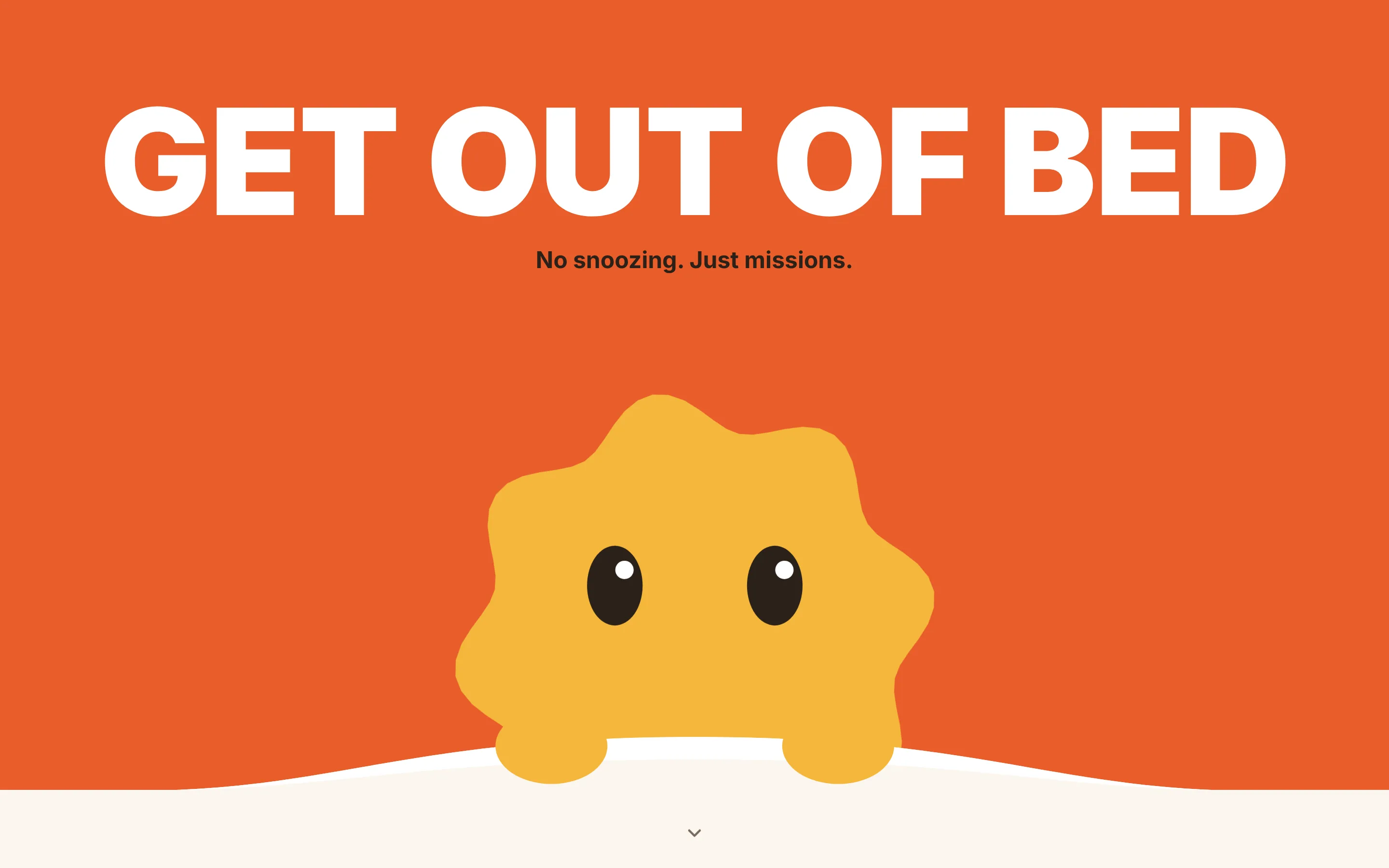
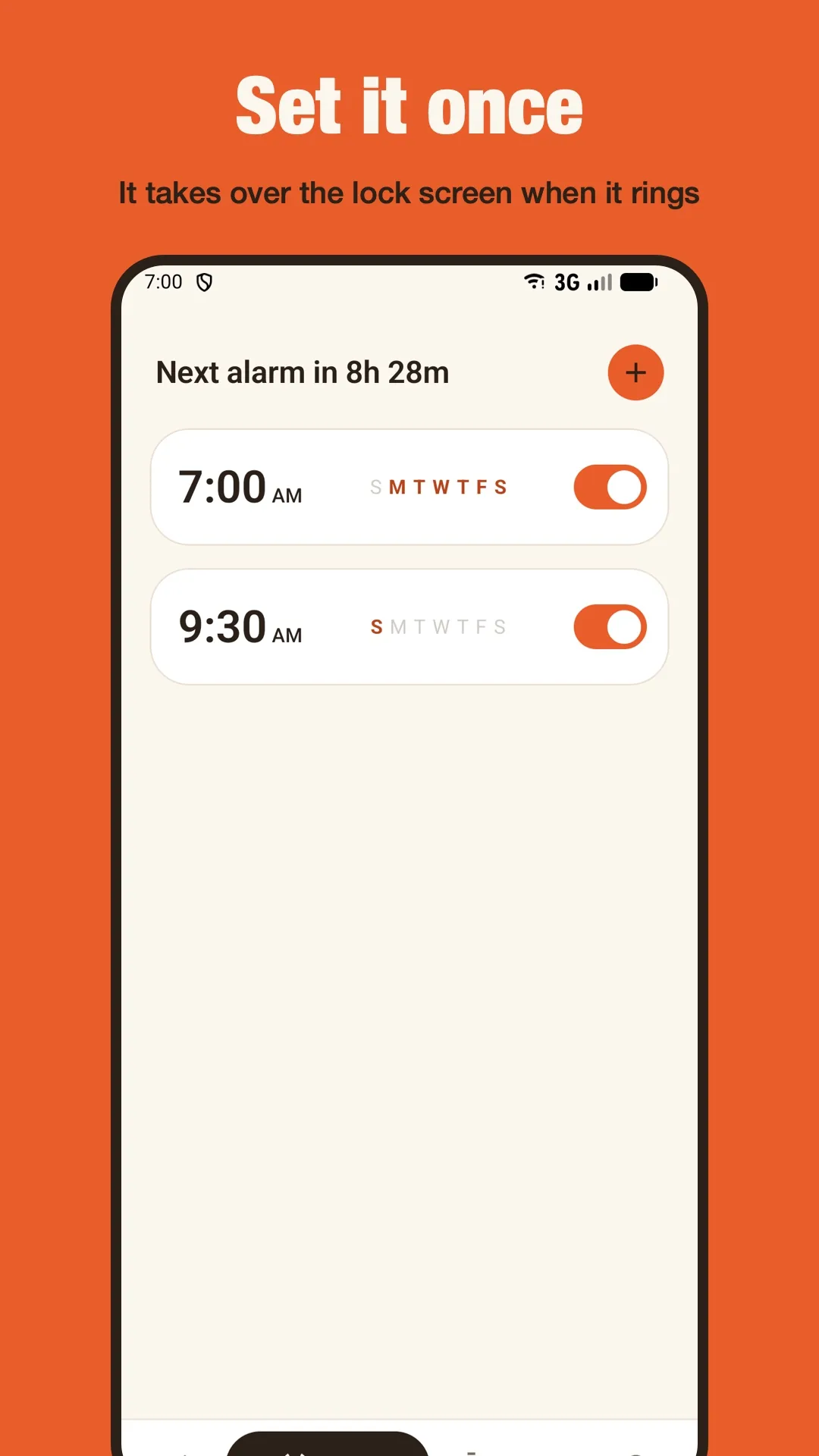
Get Out Of Bed is an alarm clock with no snooze button. It keeps ringing until you finish a mission: a sum, a shake, a typed phrase or a photo of another room.
Visit getoutofbed.app- Built for
- Heavy sleepers and habitual snoozers who want to get up the first time. On Android now, with iPhone to follow.
- Our role
- Product, brand, design, native Android build and website
- Stack
- Kotlin, Jetpack Compose, MediaPipe, RevenueCat. See the full stack
The problem
Why Get Out Of Bed exists
Most people do not get up when the alarm goes. They bargain with it. In a 2023 study, 69% of people snoozed or set several alarms at least some of the time, and the snoozers spent 22 minutes a morning on it.
A normal alarm is easy to beat half asleep: one tap and it goes quiet. The gap was an alarm that only stops once you are properly awake, and that rings on time every time, on phones whose battery savers are built to stop apps running in the background.
The product
What we built
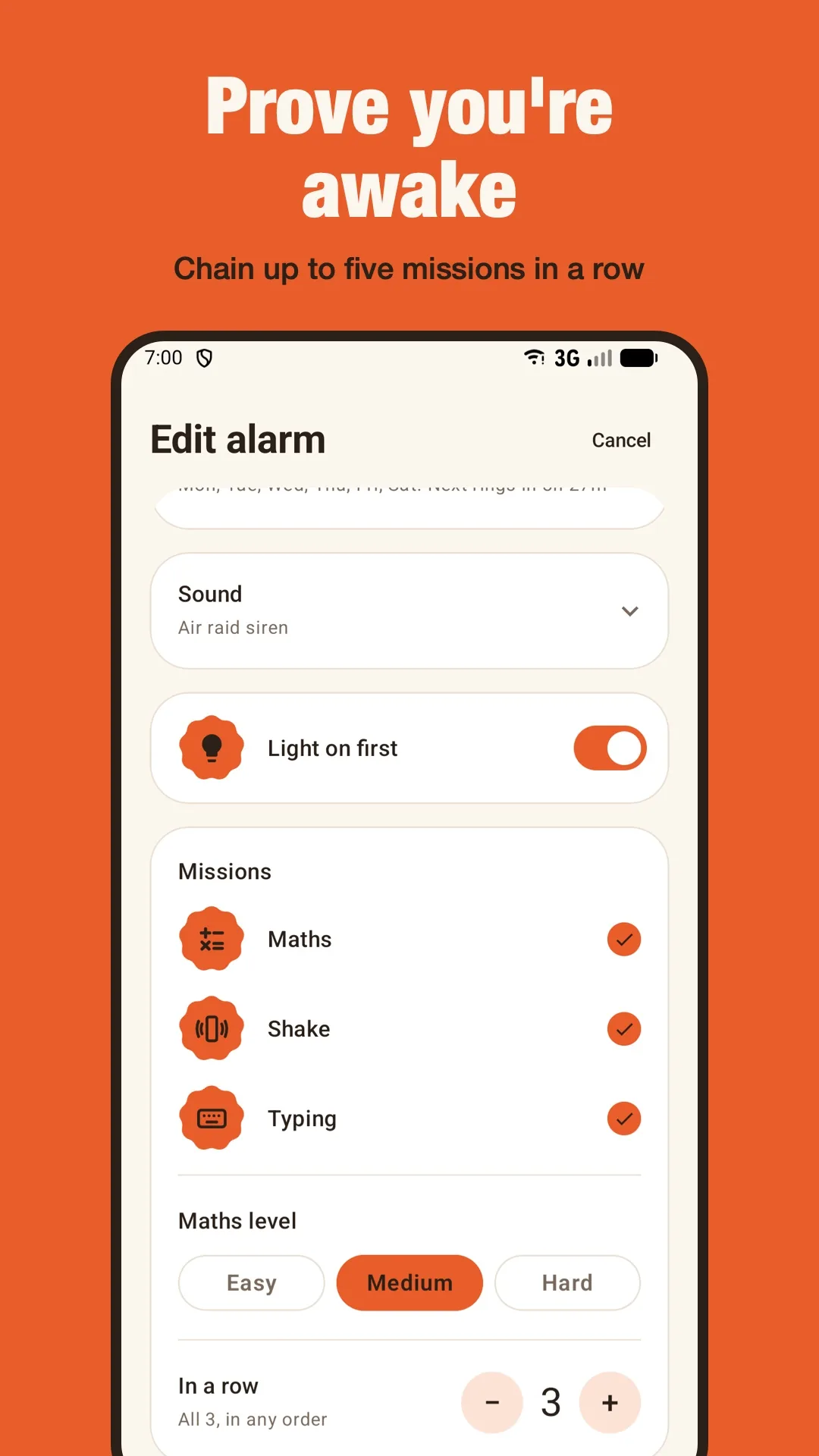
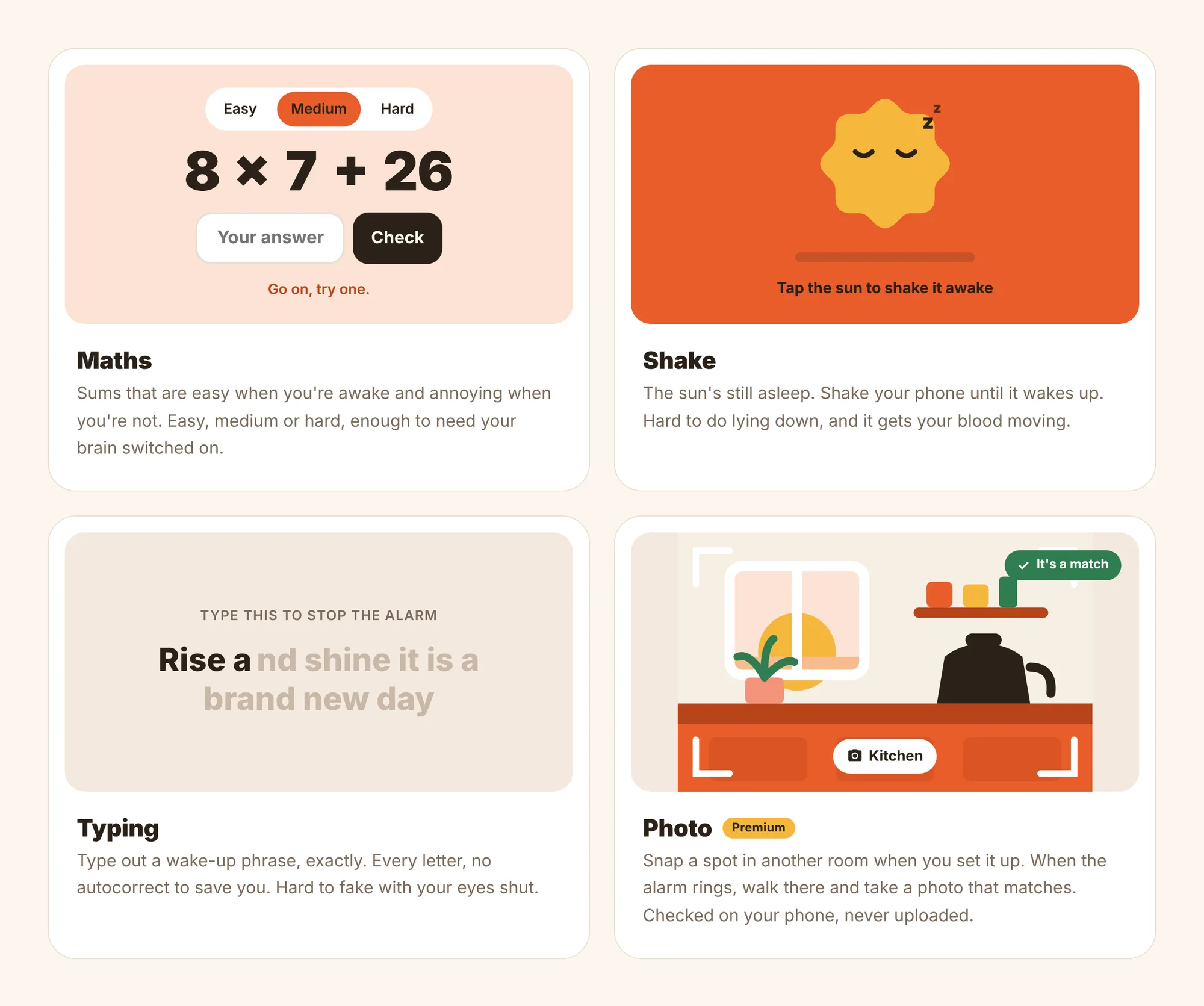
Get Out Of Bed has no snooze button. When it rings, the only way to stop it is to finish a mission: solve a sum, shake the sleepy sun awake, type a phrase out exactly, or walk to another room and photograph a spot chosen when the alarm was set. Premium chains up to five missions in a row, in a shuffled order.
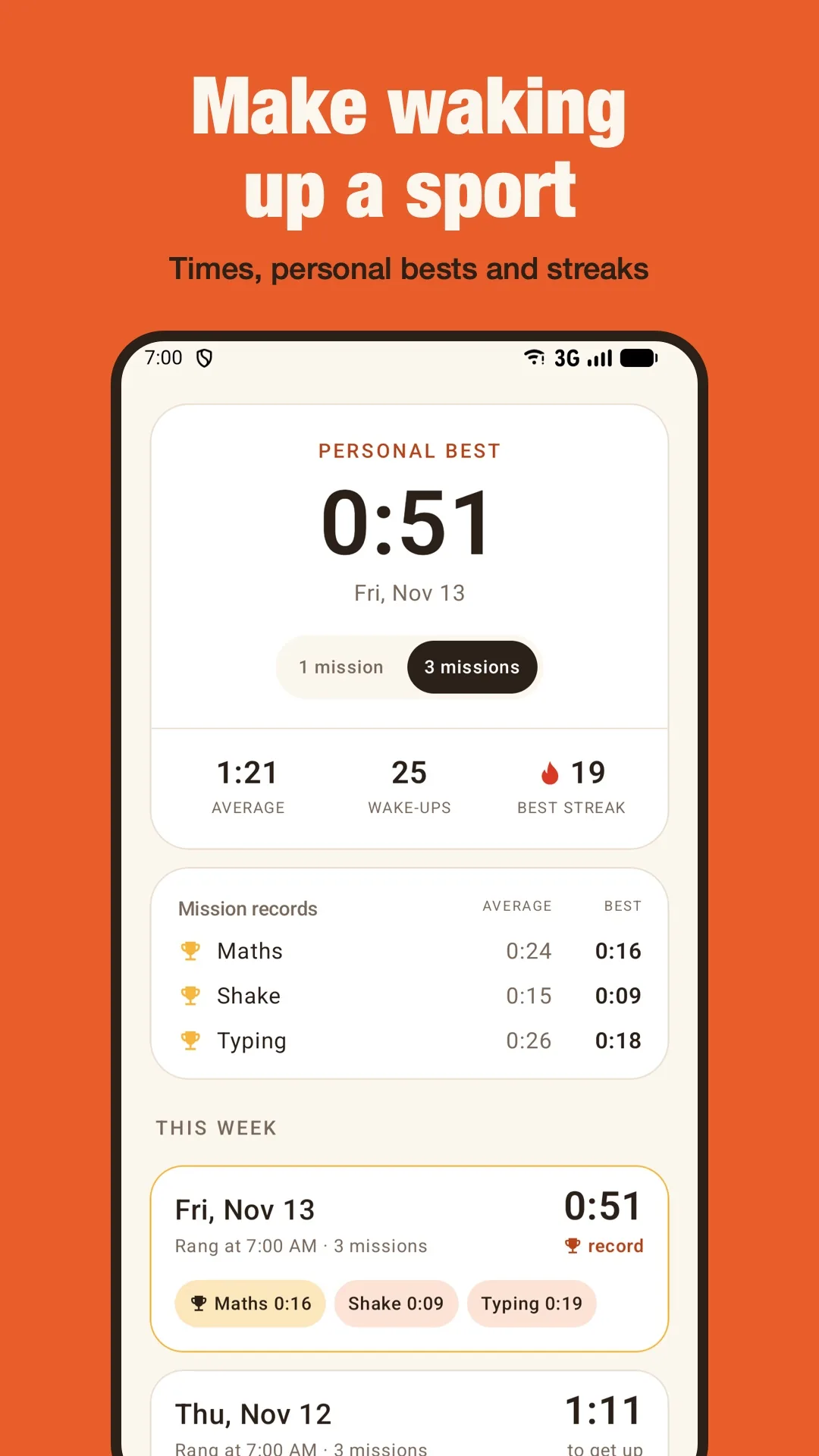
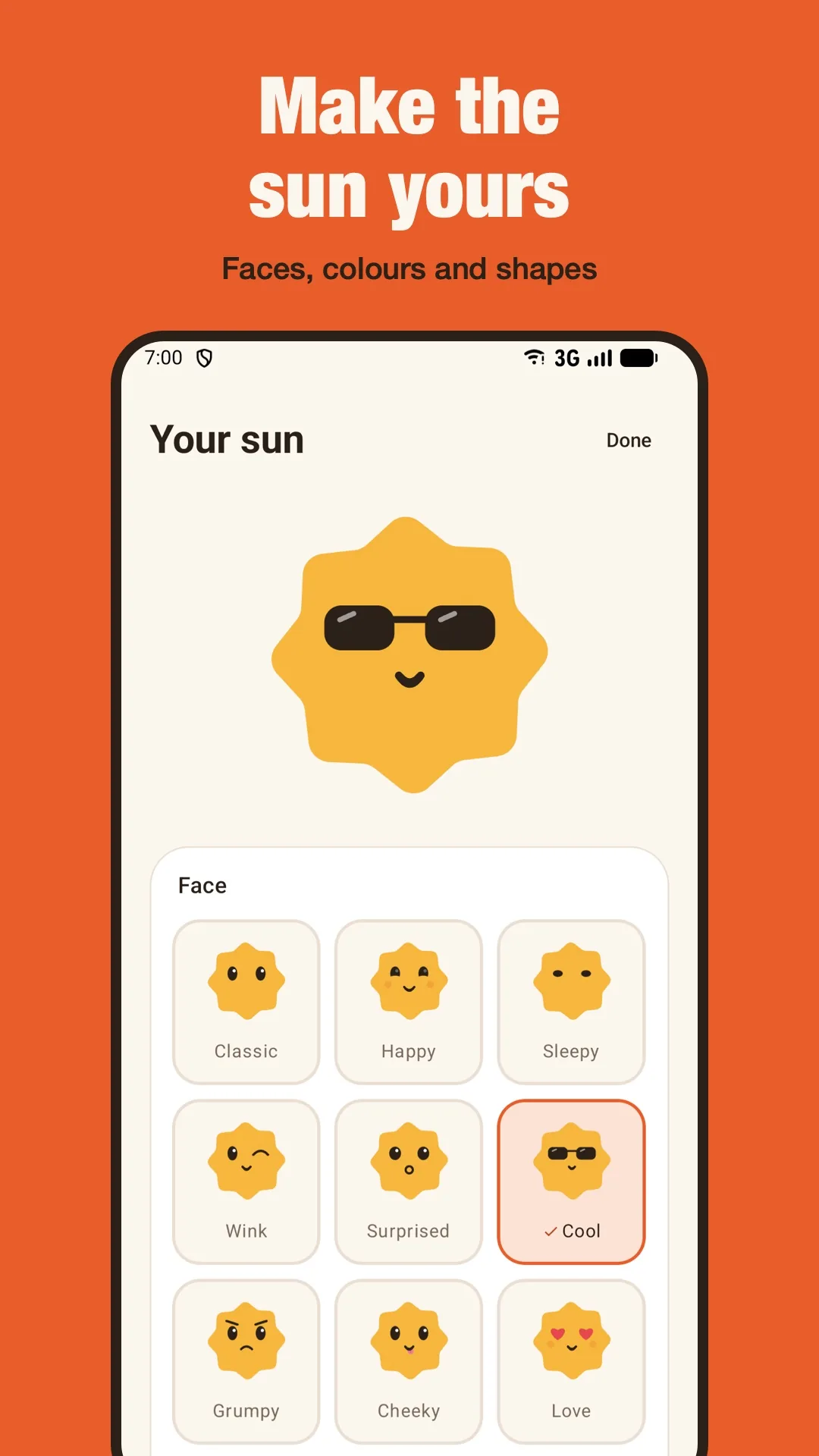
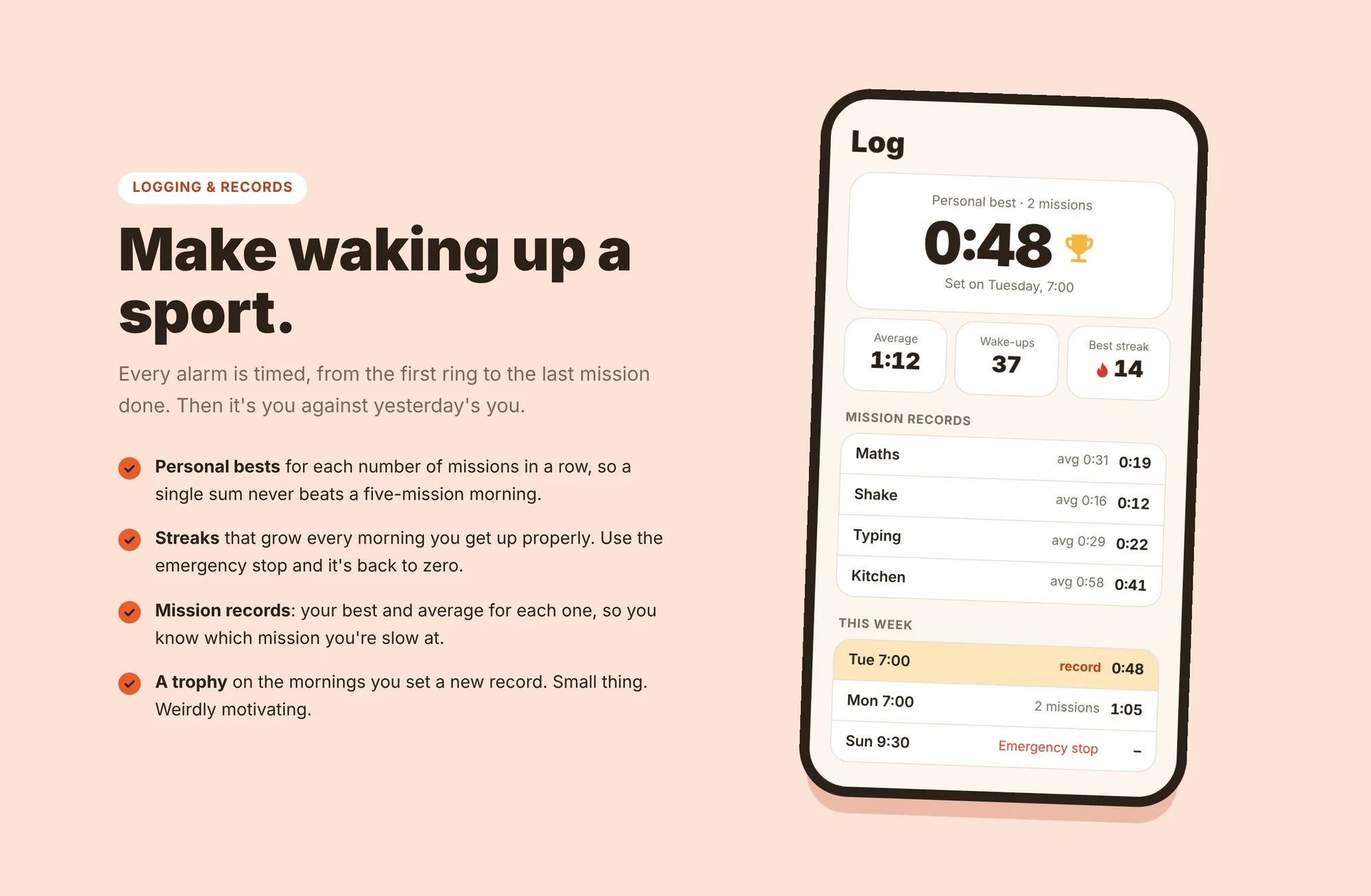
Every wake-up is timed from the first ring to the last mission, so mornings turn into personal bests and streaks. The sun on screen can be dressed up with faces, colours and shapes, and there is a timer too, with a countdown that floats over other apps. The app is free, with a yearly or lifetime Premium sold through Google Play.
Features
Four missions
Sums at three levels, shaking the phone, typing a phrase with no autocorrect, and a photo of a spot in another room.
Up to five in a row
Premium chains missions in a random order, never the same one twice running, for the mornings you do not trust yourself.
Records and streaks
A personal best for each number of missions, a best and average for each mission, and a streak that grows every morning you get up properly.
No way round it
The volume buttons cannot turn it down. Besides the missions, the only way out is holding an emergency stop for 90 seconds, which resets the streak.
Sounds that are awful on purpose
Ten built-in sounds generated in code, from an air raid siren to a dial-up modem, or any sound file on the phone.
Private by design
No accounts, ads or tracking. Alarms, records and mission photos stay on the phone, and photos are compared there, never uploaded.
Screens
A closer look
In the app
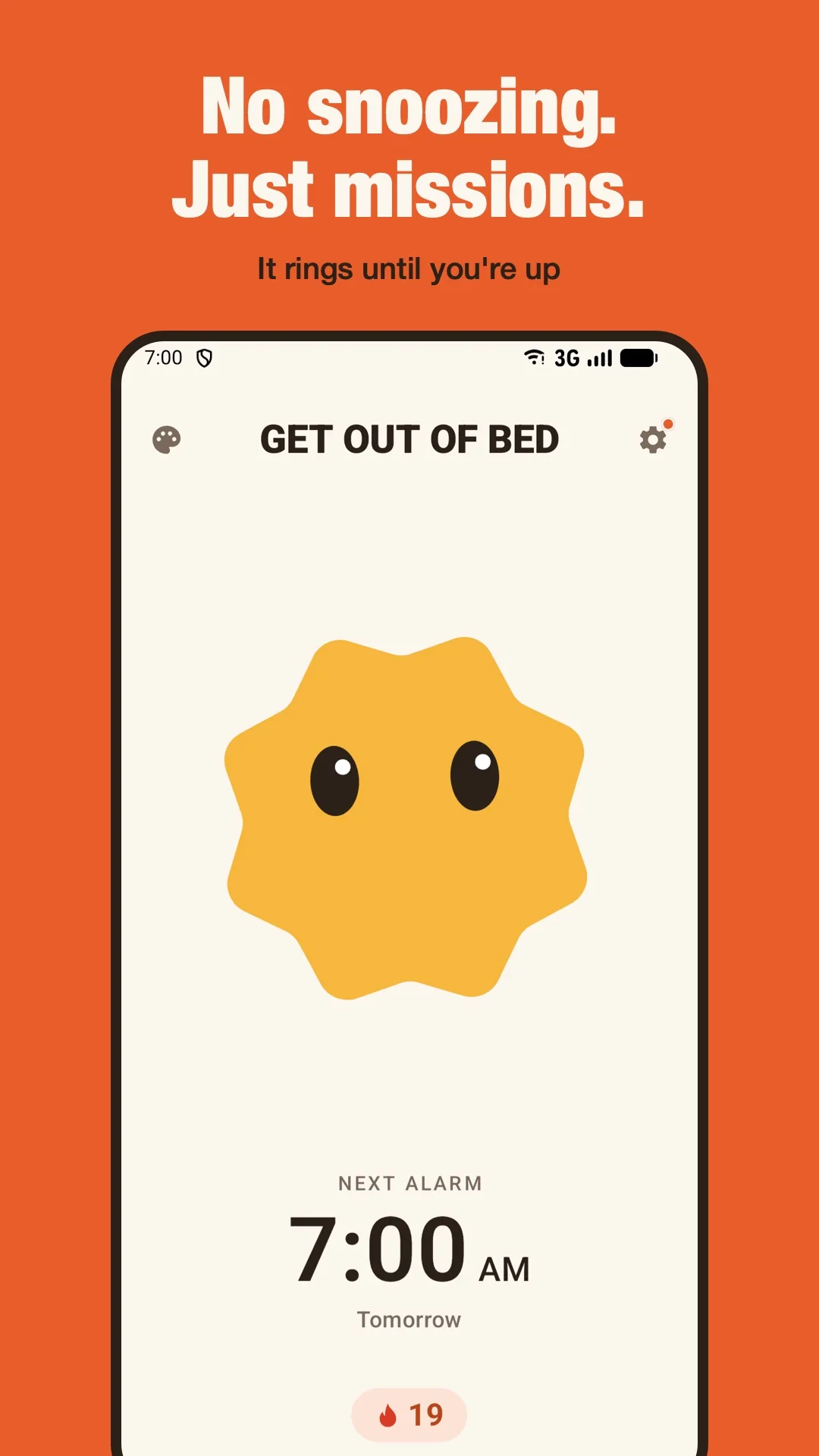
On getoutofbed.app
Under the hood
The engineering
1alarm scheduled at a time, the soonest
Alarms that ring on time, even in Doze
Alarms are set with setAlarmClock, the call Android's own clock app uses, so they fire exactly on time in battery-saving Doze mode. Only the soonest alarm is ever scheduled and each ring schedules the next, so an edited or deleted alarm never leaves a stale one behind. Restarts, clock and time zone changes and app updates all reschedule, before the phone is even unlocked.
60 sbetween checks that it is still ringing
A ring that keeps going
The sound plays from a foreground service separate from the mission screen, so a crash or a closed screen does not silence it. Every minute it rings, a check confirms it is still making a sound and restarts it if Android killed it. If Android refuses to start the sound at all, a fallback notification plays the phone's own alarm tone on repeat until the missions are open.
1 minlate is enough to report an alarm
Missed alarms reported, not discovered
Each scheduled time and each actual ring is recorded. If an alarm was due and never rang, because the phone was off or a manufacturer's battery saver stopped it, the app says so with a notification and a card. An alarm that rang over a minute late is reported too, so a silent failure is caught the first time, not by oversleeping again.
2matching frames in a row to pass
Photo matching on the phone
The photo mission compares the camera with the saved reference using a MobileNet image embedder through MediaPipe, plus a check that the outlines line up, from Sobel edge maps compared at small shifts. Each colour channel is stretched first, so a dim, lamp-lit shot of the right spot passes while a different spot in the same room fails. Two matching frames in a row are needed, and no photo leaves the phone.
0accounts needed to buy Premium
Premium that never breaks an alarm
Purchases run through Google Play Billing and RevenueCat, linked to a random ID rather than an account. Premium status is kept on the phone, so an alarm knows what it may do offline or straight after a restart. Losing Premium deletes nothing: a photo mission falls back to another mission, or maths, so the alarm can always be stopped.
Built with
The stack
App
- Kotlin
- Jetpack Compose
- Material 3
Native Android, every screen in Compose
Alarms
- Android AlarmManager
On time, even in Doze
Camera
- CameraX
Captures the photo mission
On-device AI
- MediaPipe
Photo matching on the phone
Payments
- Google Play Billing
- RevenueCat
Premium, with no account needed
Backend
- None, on purpose
Everything stays on the phone
Testing
- JUnit
Alarm, mission and Premium tests
Website
- Vercel
Static site for getoutofbed.app