Guide
SaaS cost before and after launch
SaaS cost comes in two parts: a one-off bill to build the first release, and a running bill that starts at launch and grows with every customer and every month of data you keep. This worked example costs both for one product, a job report app for maintenance firms, and shows how decisions made before launch set the monthly bill after it.
By Max Winter-Leinweber7 min read
- Paid once
- The build, plus your time
- Paid monthly
- Hosting, storage, email, payment fees
- The example
- A job report app for maintenance firms
Work out SaaS cost from the task customers pay for
Cost the one task a customer would pay for, from start to finish, before anything else. A quote for an idea is a guess; a quote for a task with a clear start and end is something you can check.
The example here is a subscription app for maintenance firms. A manager creates a job, a worker on site adds notes and photos, and the manager downloads a report to send to the client. Each firm pays monthly, and that one workflow is the whole first release.
Even that sentence hides choices that change the build. Can every worker see every job, or only their own? Do clients log in, or get the report by email? Does it have to work where there's no signal? Write the answers down before anyone quotes.
What makes it a SaaS build
Many firms share one app, and that's what separates this from software built for a single business. Every job, photo and report belongs to one firm, and nobody at another firm can reach it, even with a copied link. That rule is designed in from the first screen and tested on all of them, so it's in the launch bill whether or not the brief mentions it.
Part of the cost before launch is your time rather than a developer's. Someone has to decide what goes in the report, write the emails firms receive and settle what happens to a firm's jobs and photos when it stops paying. Make that last call early: a cancelled firm's photos cost money for as long as you keep them.
Leave the expensive guesses out of the first release
Anything the core task can work without should wait, and leaving it out lowers the running bill as well as the build. A client portal shows why. Building it means client logins, and once it's live every client of every firm is another account to email, store and support.
Client portal: email the downloaded report for now.
Custom report layouts: start with one format every firm uses.
Analytics for firms: wait until customers tell you which numbers they'd act on.
Offline working is the one to check before you cut it. If workers often lose signal on site, keeping a half-finished job on the phone may be a requirement, and offline editing with sync is one of the largest pieces of work a web app can take on. Ask a few firms where their workers actually spend the day.
Our free MVP Scope Planner helps with the sorting: list your features, size each one and see what fits the first release and what can wait. Sort your features with the MVP Scope Planner.
One bill at launch, another every month after
The launch bill pays for the build and ends at handover. The running bill starts when the first firm signs up, and in a SaaS product it follows how much each customer uses and how much it keeps.
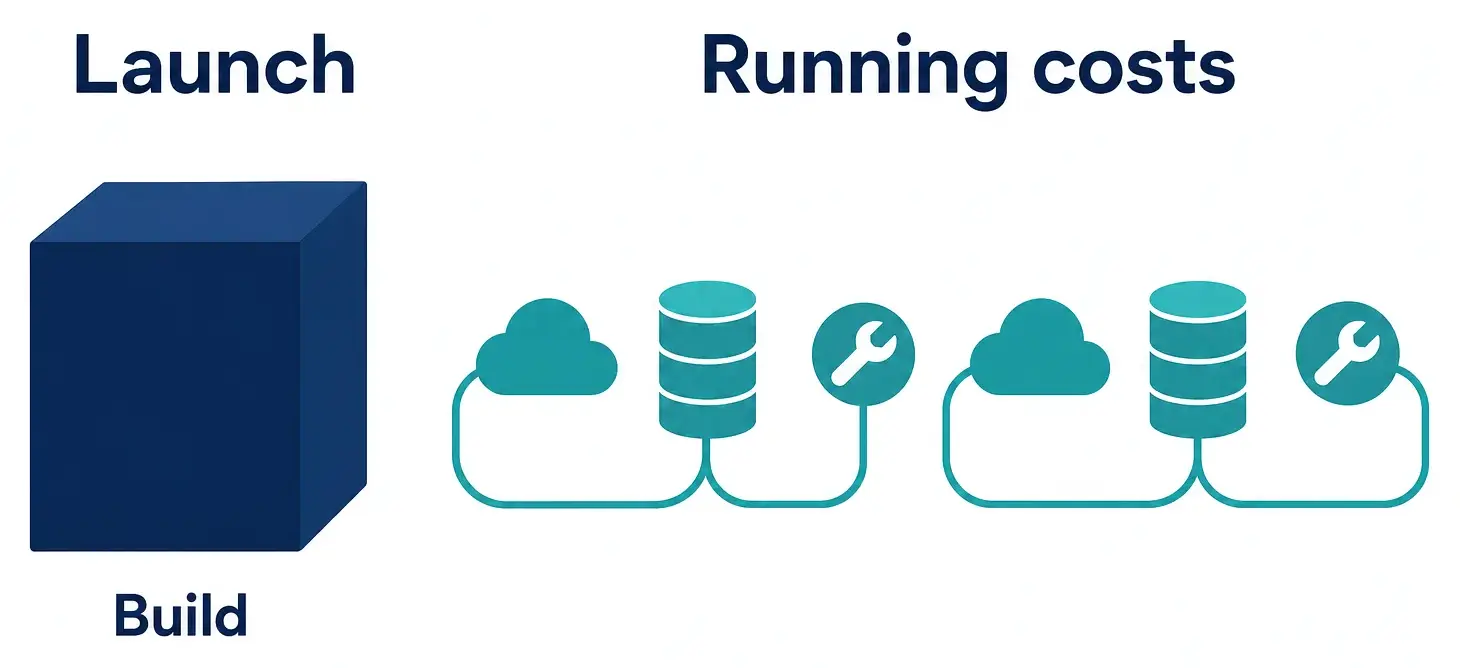
The launch bill
This is the build plus your own time, and it's the bill you can fix before any work starts. Our free MVP Cost Calculator turns eight questions about your app into a ballpark price and timeline, and lists what drives it. For the report app, the biggest driver is firms with their own teams and invites, the SaaS rule above, followed by subscriptions with plans. Estimate your build with the MVP Cost Calculator.
Our own builds are fixed price: £10,000 + VAT for a 2 week sprint or £20,000 + VAT for a 3 week sprint, each ending with a week of changes from your feedback. Which one fits the report app, if either does, is settled on discovery calls, and the scope and price are agreed before the sprint starts.
The running bill
The running bill has a floor you pay with no customers at all, and lines that grow with each firm. The floor is the hosting, the database plan, the domain and monitoring. The growing lines are file storage and downloads, email, and the payment provider's fee on every subscription.
Photos are the line to watch in this app. Storage is charged on everything still kept, not only this month's uploads, and two firms paying the same price can keep very different amounts.
| Firm | Jobs a month | Photos per job | Photos added a month | Photos kept after a year |
|---|---|---|---|---|
| Small firm | 20 | 3 | 60 | 720 |
| Busy firm | 120 | 6 | 720 | 8,640 |
Both firms pay the same each month. One keeps twelve times as many photos, and neither total stops at month twelve. You don't need provider prices to see that shape. You need them to put pounds against it, so take these volumes to each provider's pricing page.
The things that bend the line are scope decisions, and they're cheapest to make before launch:
Shrink photos as they upload. A full-size phone photo is far bigger than a report needs.
Archive jobs a firm hasn't opened in a year, or whatever period your customers agree to.
Put a limit in the plans, by jobs or by storage, so the busy firm pays more than the small one.
Set when a cancelled firm's data is deleted, and say so in your terms before firms sign up.
What one firm is worth each month
To see whether a firm pays its way, take one month of its subscription and subtract, in this order:
The payment provider's fee on that payment.
Its own storage, downloads and email, at current provider prices.
The time you spend answering its questions.
Its share of the floor: the fixed bills divided by the number of firms.
With three firms, each one carries a third of the floor, so a loss in the early months says little. With thirty, each carries a thirtieth, and the busy firm's photos become the number your pricing has to answer.
After the handover week
Our packages end with a handover week of bug fixes and support after launch. From then on, someone has to apply updates and security fixes, look into bugs, answer customers and build what they ask for next. That's your time, paid development or a mix, so put it in the budget before launch.
The hosting, database and payment accounts are registered to you and handed over at launch, so the running bills arrive in your name from the first day, and you choose who works on the code in your repository. For a yearly upkeep figure, our UK app cost guide gives a rule of thumb as a share of the build, next to typical monthly running costs. See what an app costs to build and run in the UK.
Bring usage numbers to the discovery call
A feature list prices the launch bill and usage numbers price the running one, so bring both. For the report app, that means the workflow, the rule that keeps firms apart, rough counts of firms, workers, jobs and photos, what happens to data when a firm cancels and the features you've left for later.
Then ask which of your answers moves the build and which moves the monthly bill. In this example they're different answers: team accounts move the first, photos the second. Our free 30 minute discovery call covers the idea, scope, tech stack and which package fits, and you agree the scope and price before committing. Book a discovery call and bring your numbers.
Frequently asked questions
- Can a new SaaS product run on free tiers?
- For building it and serving the first few customers, often. Before you rely on one, check what happens at the limit: some services stop working and others start charging, and some free plans pause a project that goes unused. Turn on spending alerts wherever a service bills by usage.
- Does an AI-built prototype make the build cheaper?
- It can, if the code is worth keeping, and that takes a review of the code rather than a look at the screens. We review existing code and infrastructure during discovery and build on the parts worth keeping. Moving an AI-built or no-code app into production can still mean repairs or a rebuild, with your data and users moved across.
- How do I estimate usage before I have customers?
- Ask the businesses you've spoken to for their own records: how many people would use the product and how often they do the task today. Last month's paperwork beats a guess. Then count what each use leaves behind, such as files, emails or records, and plan around your busiest likely customer rather than the average one.